Free case management software is always tempting for nonprofits with a limited budget. It can absolutely work for small organizations with straightforward needs. Typically those serving fewer than 100 clients annually with a single program and minimal compliance requirements are a good candidate for free options. However, most growing nonprofits discover that “free” comes with tradeoffs that eventually cost more in staff time and in stress than a paid solution.
The real question most program managers face involves determining which category their organization falls into right now, and where they’ll be in 18 months.
What Free Case Management Software Options Offer
When nonprofit professionals search for free case management software for nonprofits, they typically find three categories of solutions, each with distinct capabilities and limitations.
Spreadsheet-Based Approaches
Google Sheets and Microsoft Excel remain the most common “free” tools nonprofits use for client tracking and case management. They offer unlimited flexibility in how you structure data, no per-user fees, and most staff members are already familiar with how they work. You don’t have to be a spreadsheet wizard or an expert in formulas to work in them.
The tradeoffs become apparent as organizations grow. Spreadsheets lack built-in security protocols for sensitive client information. They offer no audit trails for compliance purposes, or safeguards against accidental changes. They require manual processes for everything from intake to reporting. When multiple staff members need access to the same client records, version control becomes a constant headache. According to case management software research, manual data entry in spreadsheet systems introduces error rates and time consumption that compound as caseloads increase.
Open-Source Platforms
CiviCRM represents the most established open-source option for nonprofits seeking free nonprofit software with case management capabilities. The software itself carries no licensing fees, includes modules for contact management, case tracking, and reporting, and offers extensive customization possibilities.
The reality is more nuanced. CiviCRM requires technical expertise to install, configure, and maintain. Organizations typically need either dedicated IT staff or consultant support for implementation and upkeep. According to user reviews on Software Advice, the platform has a steep learning curve and users frequently note that “technical help is needed in the long run.” Hosting costs, security updates, and ongoing maintenance become the organization’s responsibility. For nonprofits without technical resources, the total cost of ownership can rival or exceed paid alternatives.
Freemium Commercial Products
Several commercial platforms offer free tiers or nonprofit discount programs:
- Salesforce Power of Us Program provides 10 free Nonprofit Cloud licenses to eligible 501(c)(3) organizations. The platform offers enterprise-grade capabilities, though implementation typically requires consultant support due to the system’s complexity.
- Countbubble Free for 3 Plan offers case management and impact reporting tools free for up to three years to eligible small nonprofits with budgets under $500,000. The program includes data tracking forms and reporting features, though it requires active usage at least once every 120 days to maintain access.
- CharityTracker Basic starts at $20 per user per month, making it one of the more affordable case management tools for nonprofits seeking dedicated software without enterprise pricing.
The Hidden Costs Behind “Free” Solutions
Budget-conscious nonprofits often discover that free case management software creates expenses in less visible ways. Understanding these costs helps organizations make realistic comparisons.
Staff Time for Manual Processes
Spreadsheet-based systems require staff to manually transfer data between intake forms, tracking sheets, and reports. When case managers spend hours each week on data entry that software could automate, the organization pays for that time whether it appears on a technology line item or not. De-duplicating clients, grant reporting, and data auditing also take exponentially more time.
Data Migration Challenges
Organizations that outgrow spreadsheets or free tools eventually face daunting data cleaning and migration projects. Data inconsistencies and errors in existing systems require cleanup before migration, and discrepancies can lead to data loss, duplication, and increased complexity. These issues necessitate additional time and resources to ensure a smooth transition, often catching organizations off guard when they assume migration will be straightforward. Organizations that invest in a system that can grow with them avoid these challenges.
Training and Adoption Overhead
Free tools often lack dedicated onboarding assistance and support. When organizations adopt complex platforms without implementation assistance, system configuration and training can be a burden. Industry experience shows that organizations investing in a system with adequate onboarding and training assistance see significantly faster user adoption and fewer support issues long-term. Implementations without support also take longer than initial estimates due to data or process complexities, which means additional consulting fees and delayed benefits.
Compliance and Security Gaps
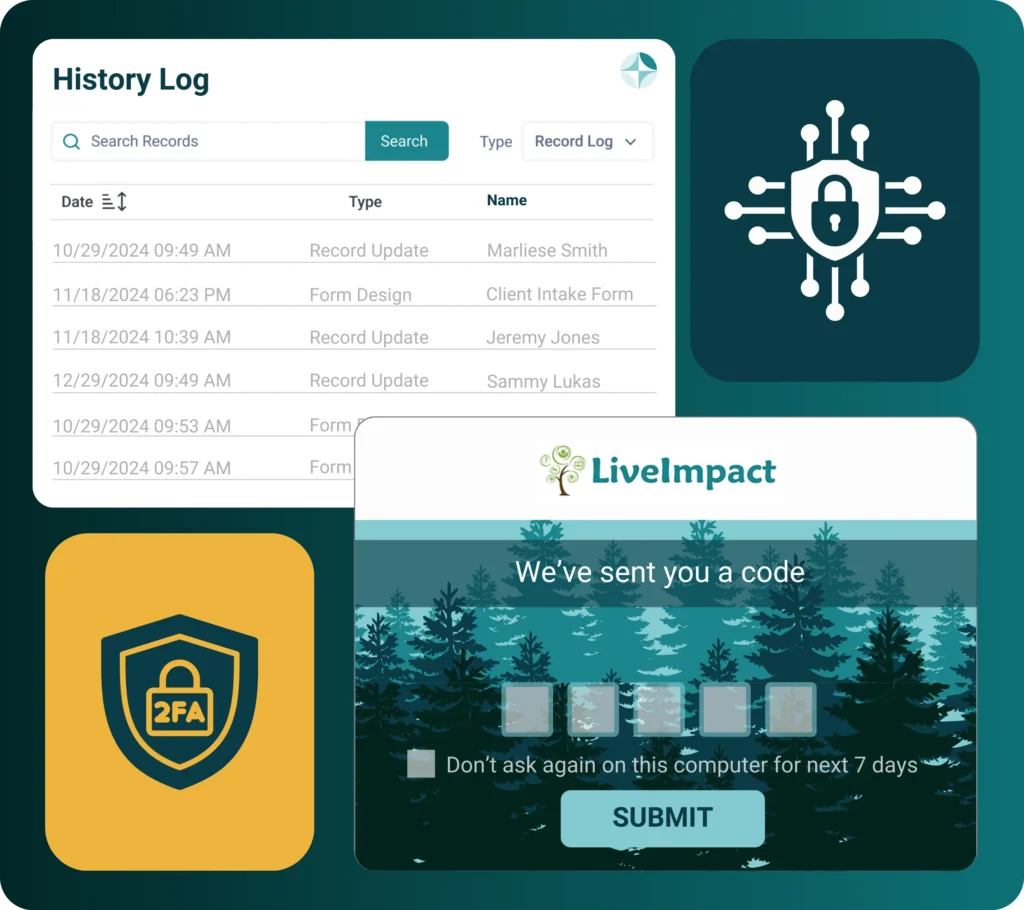
Human services organizations handling client data must meet various regulatory requirements. Free tools rarely include HIPAA compliance features, audit logging, or role-based access controls. The cost of addressing a data breach or compliance failure far exceeds the price difference between free and paid solutions.
Feature Comparison: Free vs. Paid Capabilities
Understanding the practical differences between free and paid nonprofit case management software helps organizations evaluate which features matter most for their operations.
Feature Comparison: Free vs. Paid Case Management Software
What you actually get at each tier
| Feature | Free / Spreadsheet | Free Tier Commercial | Paid Professional |
|---|---|---|---|
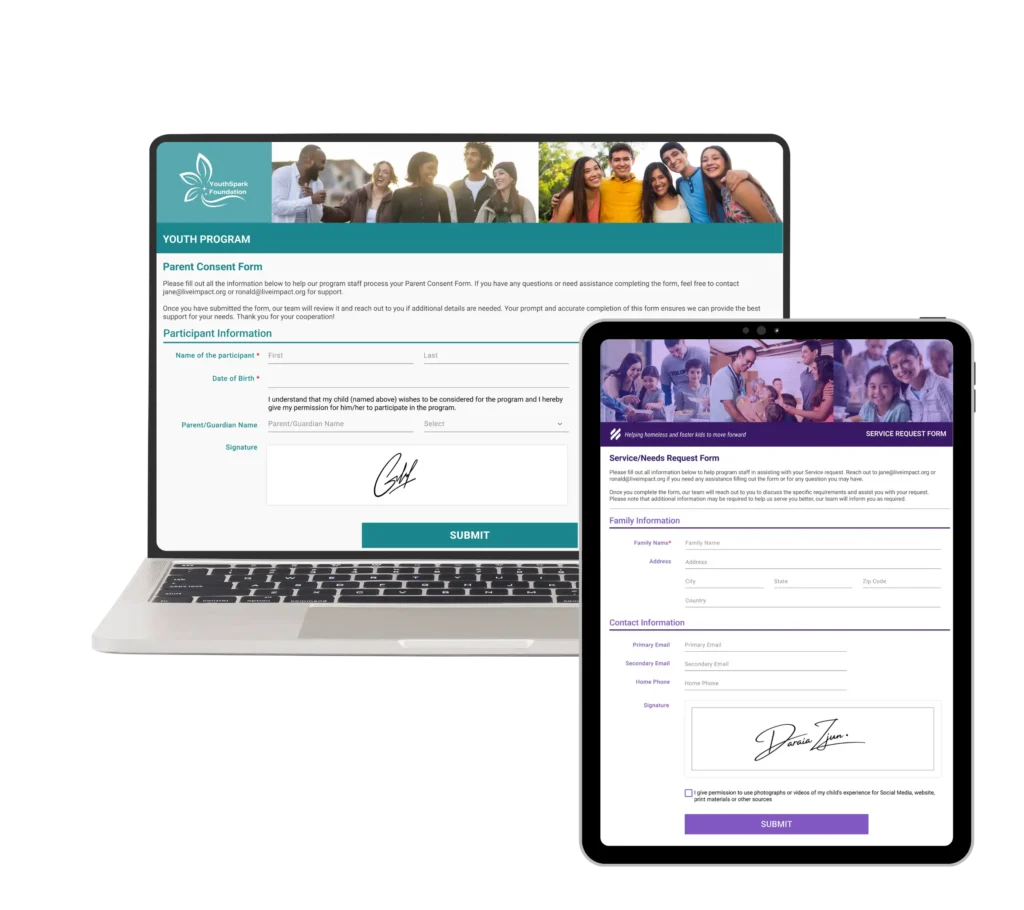
| Client intake forms | ⬤ Manual creation | ⬤ Basic templates | ⬤ Custom, embeddable |
| Case notes | ⬤ Unstructured | ⬤ Basic logging | ⬤ Templates with workflows |
| Multi-program tracking | ⬤ Separate sheets | ⬤ Limited | ⬤ Full cross-program visibility |
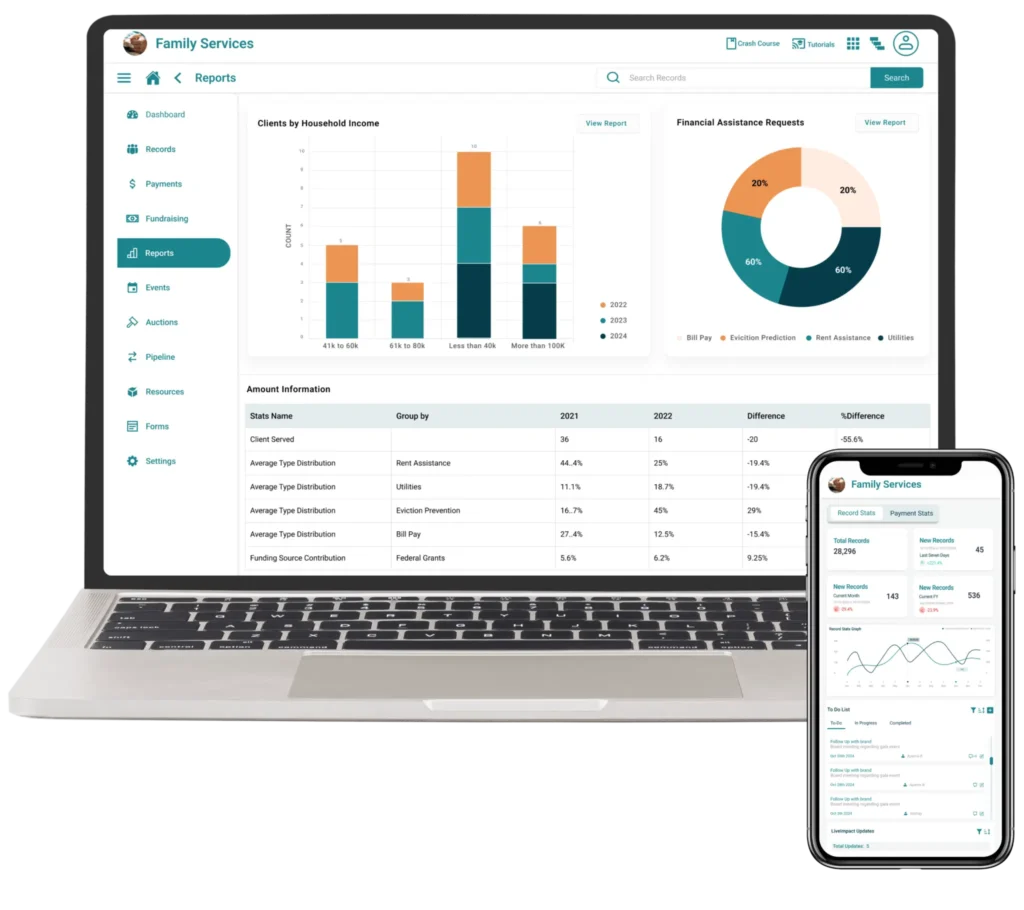
| Outcome measurement | ⬤ Manual calculation | ⬤ Basic reports | ⬤ Automated dashboards |
| Funder reporting | ⬤ Export and format | ⬤ Limited templates | ⬤ Built-in report generators |
| User limits | ⬤ Unlimited (Sheets) | ⬤ Often capped | ⬤ Flexible tiers |
| HIPAA compliance | ⬤ Not available | ⬤ Varies | ⬤ Typically included |
| Mobile access | ⬤ App dependent | ⬤ Limited | ⬤ Full functionality |
| Integrations | ⬤ Limited | ⬤ Basic | ⬤ Extensive API support |
| Support | ⬤ Community forums | ⬤ Email / limited | ⬤ Dedicated assistance |
⬤ Limited
⬤ Basic
⬤ Full
Scenarios: Matching Solutions to Organizational Needs
Different organizations have different requirements. Consider which scenario most closely matches your situation.
Scenario 1: Early-Stage Direct Service Organization
A new food pantry with two staff members, one volunteer coordinator, and approximately 50 monthly client visits might find spreadsheets or a basic free tier sufficient. Primary needs include tracking who received assistance and when to prevent duplication and generate basic counts for grant reports.
At this stage, Google Sheets with well-designed templates provides adequate functionality. The limited complexity means staff time for manual processes remains manageable.
Scenario 2: Growing Program with Advanced Grant Requirements
A youth services organization running three programs with four case managers serving 200+ clients annually faces more complex requirements. Multiple funders expect outcome data, and staff need to coordinate services across programs for families enrolled in more than one.
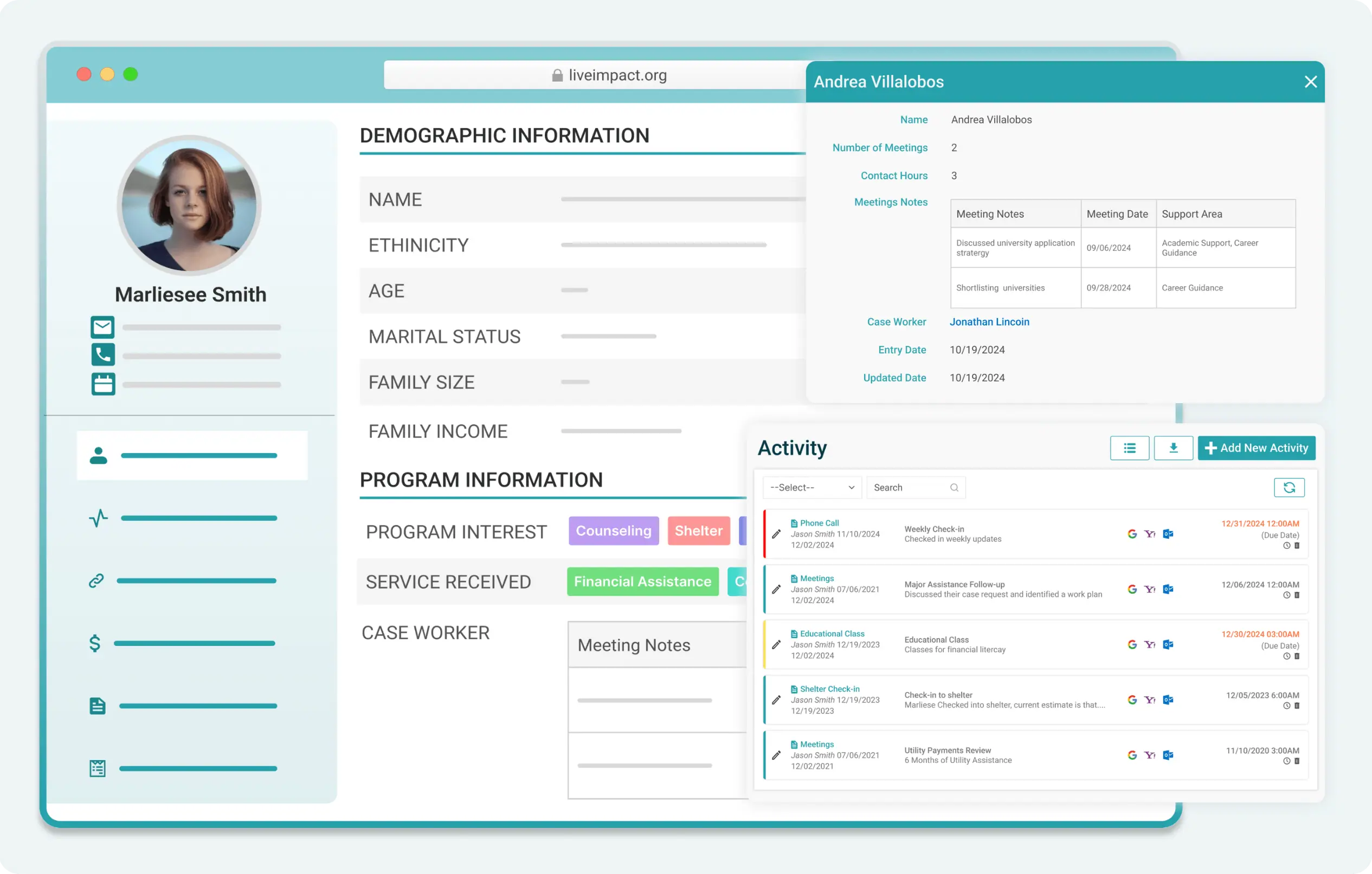
This scenario typically outgrows spreadsheets quickly. The coordination required between programs, combined with funder reporting expectations, makes a dedicated case management platform worthwhile. Solutions like CharityTracker (starting at $20/user/month) or LiveImpact’s program management features at a flat rate offer the structure these organizations need without enterprise pricing.
Scenario 3: Multi-Site Human Services Agency
A housing services organization with multiple locations, 15+ staff members, and compliance requirements from federal grants requires robust infrastructure. HIPAA compliance, audit trails, and sophisticated reporting capabilities become essential.
Organizations at this level need professional-grade software. The Salesforce nonprofit pricing model (10 free licenses, then $60/user/month for Enterprise) can work if the staff and budget are available for implementation. Purpose-built solutions like LiveImpact are more affordable and provide the security, scalability, and compliance features these operations require right from the start.
Scenario 4: Coalition or Network Coordination
Multiple organizations sharing client information to coordinate services across a community need a collaborative platform. Standalone spreadsheets for each organization create data silos that prevent effective coordination.
Network-focused tools like CharityTracker’s collaboration features or platforms designed for multi-agency coordination address this need. The ability to share client information securely while maintaining appropriate access controls becomes the primary consideration.
Scenario 5: Budget-Constrained Organization with Technical Capacity
A nonprofit with limited software budget but access to technical volunteers or board members with IT expertise might successfully implement CiviCRM. This path requires realistic assessment of ongoing maintenance requirements and staff tolerance for a steeper learning curve.
Questions to Ask Before Choosing
Before selecting any case management solution, program managers should evaluate their organization’s current and future needs.
Current operations:
- How many active clients does your organization serve monthly?
- How many staff members need access to client records?
- What compliance or privacy requirements apply to your client data?
- What does your current reporting process require in terms of staff hours?
Growth trajectory:
- Do you anticipate significant program expansion in the next two years?
- Are you pursuing grants that will require more sophisticated outcome tracking?
- Will you need to coordinate with other organizations on shared clients?
Organizational capacity:
- Does your team have technical skills for self-managed solutions?
- How much staff time can you allocate to software administration?
- What is your realistic technology budget, including implementation costs?
When to Start Free and Plan to Upgrade
Many nonprofits successfully begin with free tools and migrate to paid solutions as they grow. This approach can work when organizations plan the transition in advance rather than waiting until systems become overwhelming.
If you choose to start with spreadsheets or free tiers, structure your data from the beginning with migration in mind:
- Use consistent data formats and naming conventions
- Maintain a single source of truth rather than multiple overlapping spreadsheets
- Document your processes so they can inform software configuration later
- Set triggers for reconsidering your approach (serving 100+ clients, adding a second program, staff spending more than 5 hours weekly on data management)
Planning for eventual migration reduces the pain of transition when your organization reaches the point where free solutions no longer serve your mission effectively.
Making the Investment Case
When free solutions can no longer meet organizational needs, program managers often face the challenge of justifying software costs to boards or executive directors. The most effective approach to these conversations focuses on total organizational cost comparison (including staff time) rather than just subscription fees.
Calculate the hours staff currently spend on data entry, report generation, and workarounds for system limitations. Multiply by hourly compensation costs. Compare this figure to annual software subscription costs. Many organizations discover that paid software costs less than the staff time their current approach consumes.
Frame the investment in terms of organizational capacity. Software that reduces administrative burden frees case managers to serve more clients, improves data quality for grant applications (improving likelihood of securing additional funding), and reduces compliance risk. These outcomes directly support the organization’s mission and sustainability.
Frequently Asked Questions
What is the best free case management software for small nonprofits?
For organizations just starting out, Google Sheets provides familiar, flexible data management at no cost. For those ready for more structure, CharityTracker’s Basic plan at $20/user/month offers purpose-built case management features at minimal cost, and Salesforce’s Power of Us program provides 10 free licenses for eligible nonprofits willing to invest in learning a more complex system.
Can I use spreadsheets for case management long-term?
Spreadsheets can work indefinitely for very small organizations with simple needs. However, most nonprofits find that as they grow past 100 active clients or add multiple programs, the limitations in security, reporting, and coordination make dedicated software a better investment.
How much should a nonprofit budget for case management software?
Costs vary widely based on organizational size and needs. Small organizations can find functional solutions from $20-60 per user monthly. Mid-size nonprofits typically budget $200-500 monthly for platforms that serve their full team. Large agencies with complex compliance requirements may invest $1,000+ monthly in enterprise solutions.
What features are most important in nonprofit case management software?
The answer depends on your specific situation. Most human services organizations prioritize client intake and tracking, case notes, outcome measurement, and funder reporting. Security features and compliance capabilities become critical for organizations handling sensitive health or housing information.
Is Salesforce really free for nonprofits?
Eligible 501(c)(3) organizations can receive 10 free Salesforce Nonprofit Cloud licenses through the Power of Us program. Additional licenses cost $60/user/month with the nonprofit discount. Implementation typically requires consultant support, which represents an additional cost that organizations should factor into their planning.
Finding the right balance between budget constraints and operational needs requires honest assessment of where your organization stands today and realistic projections about where you’re heading. Free case management software for nonprofits serves an important role for early-stage organizations, but most growing nonprofits eventually find that purpose-built software pays for itself in reduced administrative burden and improved service delivery.
Ready to explore how dedicated case management software could streamline your operations? Request a demo of LiveImpact to see how our all-in-one platform helps nonprofits manage clients, track outcomes, and demonstrate impact to funders.